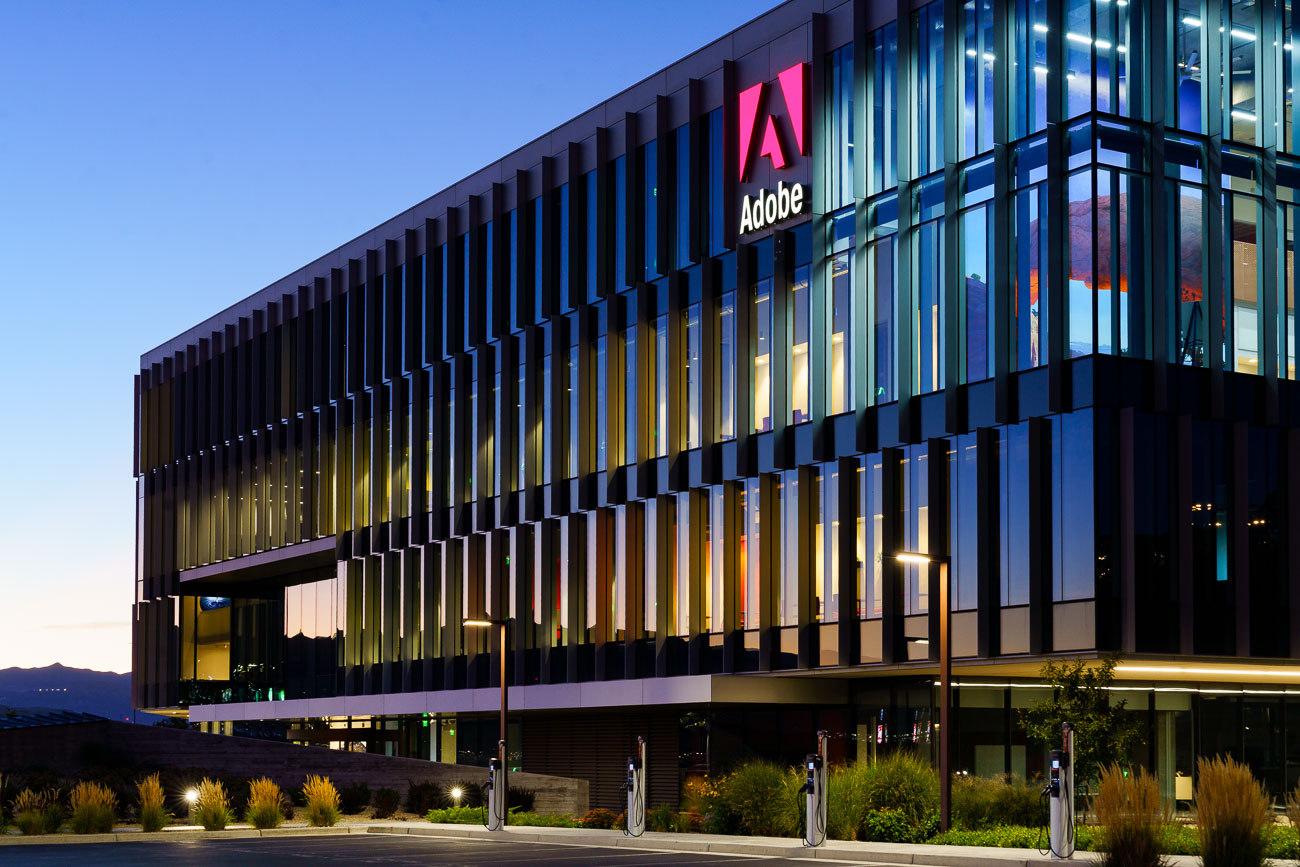

Adobe has begun natively integrating key capabilities from Photoshop, Acrobat, and Adobe Express directly into ChatGPT, at no extra cost. This marks the latest step in blending professional-grade creative tools with conversational AI, lowering the barrier to design, document editing, and image work for hundreds of millions of users worldwide.
Adobe’s integrations means that users can now describe what they want, and Adobe’s apps — operating inside ChatGPT — will execute the edits, surface the right tools, or hand off the work to full-featured web apps when deeper control is needed. The result is a hybrid workflow where ChatGPT handles intent and automation, while Adobe provides precision, structure, and creative depth.

“We’re thrilled to bring Photoshop, Adobe Express and Acrobat directly into ChatGPT, combining our creative innovations with the ease of ChatGPT to make creativity accessible for everyone,” David Wadhwani, President of digital media at Adobe, announced in an official statement. “Now hundreds of millions of people can edit with Photoshop simply by using their own words, right inside a platform that’s already part of their day-to-day.” The new Photoshop, Acrobat, and Express apps are free to all ChatGPT users across desktop, web, and iOS beginning December 10. Android supports Adobe Express today, with Photoshop and Acrobat coming shortly. These integrations build on OpenAI’s third-party app framework launched in October — one that already included Canva, Spotify, Expedia, and Figma.
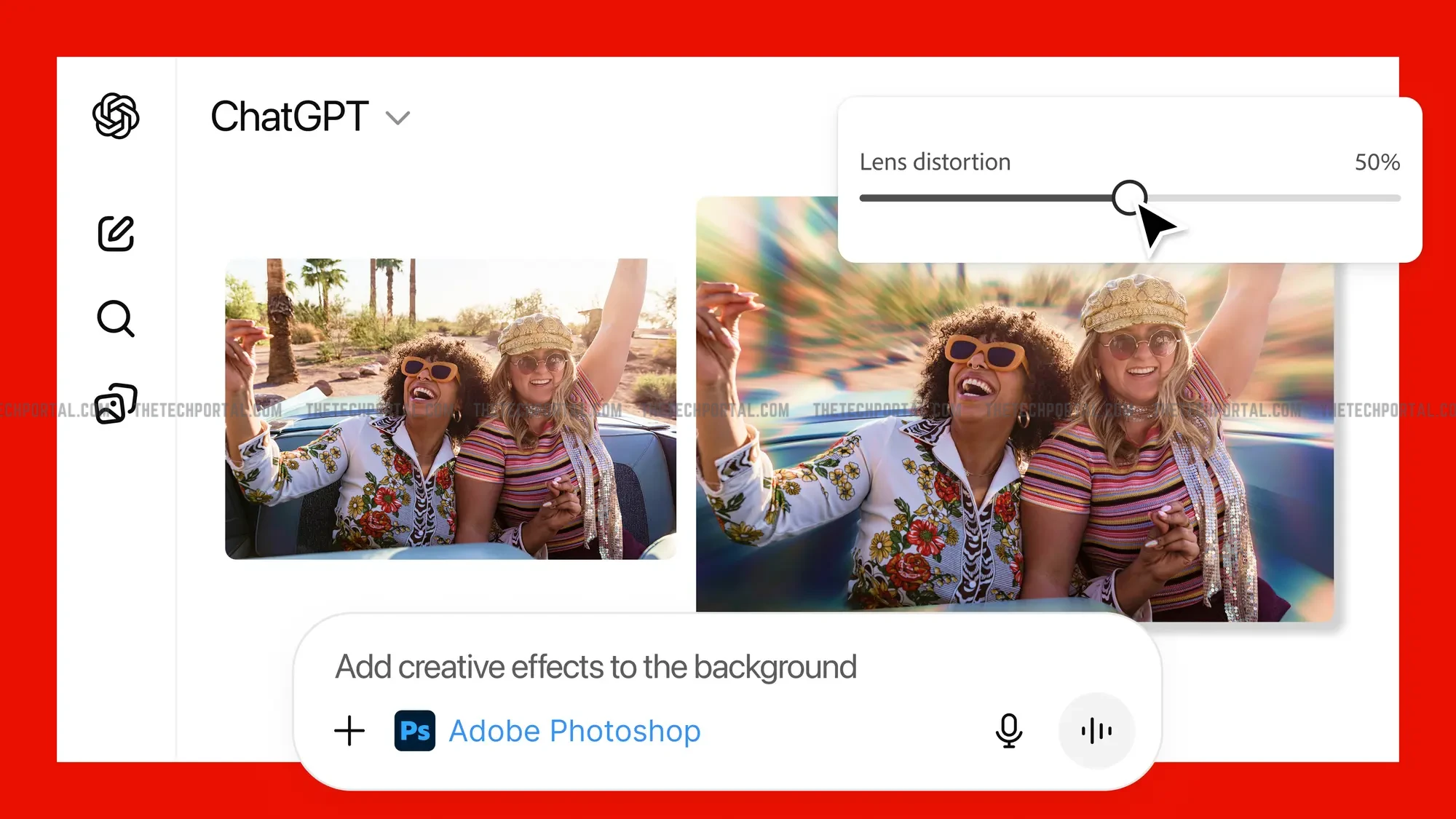
Starting immediately, ChatGPT users can issue natural-language instructions to perform image edits, craft animated assets, or manage and manipulate PDFs — all backed by Adobe’s core applications. Adobe describes the integration as both a demonstration of its AI assistants and a bridge to help newcomers experience what its creative tools can do without requiring prior expertise. Ely Greenfield, CTO for Adobe’s Digital Media business, summarized the vision: users should be able to “edit vacation photos, create event invitations, [and] transform documents” seamlessly within ChatGPT, while still having a path into full Photoshop or Acrobat when greater detail is required.
Photoshop users can upload an image and request adjustments such as brightness fixes, background removal, selective edits, or full stylistic transformations. ChatGPT translates the prompt into Photoshop actions and returns an edited image along with interactive controls. Photoshop’s integration is the most technically involved. Users can upload an image and request adjustments such as brightness fixes, background removal, selective edits, or full stylistic transformations. ChatGPT translates the prompt into Photoshop actions and returns an edited image along with interactive controls. Users will be able to apply effects like charcoal, glow, mosaic, halftone, tritone, or motion blur, as well as adjust exposure, highlights, shadows, and contrast using real Photoshop sliders.
In a similar vein, Adobe Express brings design generation and quick visual editing into ChatGPT’s conversational flow. Users can request themed designs — such as birthday cards, posters, or social graphics — and Express will pull from its professional template library to generate options. The company notes that users will be able to “browse Adobe Express’ extensive library of professional designs to find the best one for any moment, fill in the text, replace images, animate designs and iterate on edits — all directly inside the chat and without needing to switch to another app — to create standout content for any occasion.” In addition to this, Acrobat’s integration unlocks PDF workflows that traditionally required navigating a dedicated interface. Inside ChatGPT, users can now edit or reformat text inside any PDF, merge multiple documents with drag-and-drop ordering, extract tables, text, or data, compress or convert documents, and produce clean, full-quality exports.
This development means that now, instead of navigating multiple interfaces or recalling specific features, users can now describe their goal conversationally and let ChatGPT orchestrate the appropriate Adobe capabilities behind the scenes. it further democratizes tasks that previously required software expertise — like targeted image corrections, layered design adjustments, or nuanced PDF cleanup — allowing novices to produce polished results and enabling professionals to accelerate routine steps they’d otherwise perform manually.
Furthermore, users can explore creative directions through conversational prompts, compare multiple auto-generated variations, and make incremental adjustments instantly without interrupting their workflow. For teams, this reduces bottlenecks by letting non-designers prepare drafts before handing projects off to specialists, who can then seamlessly open the same assets in full Adobe apps with all edits preserved.
The Tech Portal is published by Blue Box Media Private Limited. Our investors have no influence over our reporting. Read our full Ownership and Funding Disclosure →